Video Downloader & Live Recorder for 1000+ Sites
✓ Live cams + VOD sites ✓ Auto-updated by our cloud AI engine ✓ Privacy-respecting, no DRM
Trusted by 10,000+ users · works on 1000+ sites
Need help installing? Read the manual install guide →
See it in action
A quick look at what Video Downloader One-for-All does, right inside your browser.
Why Choose Video Downloader One-for-All?
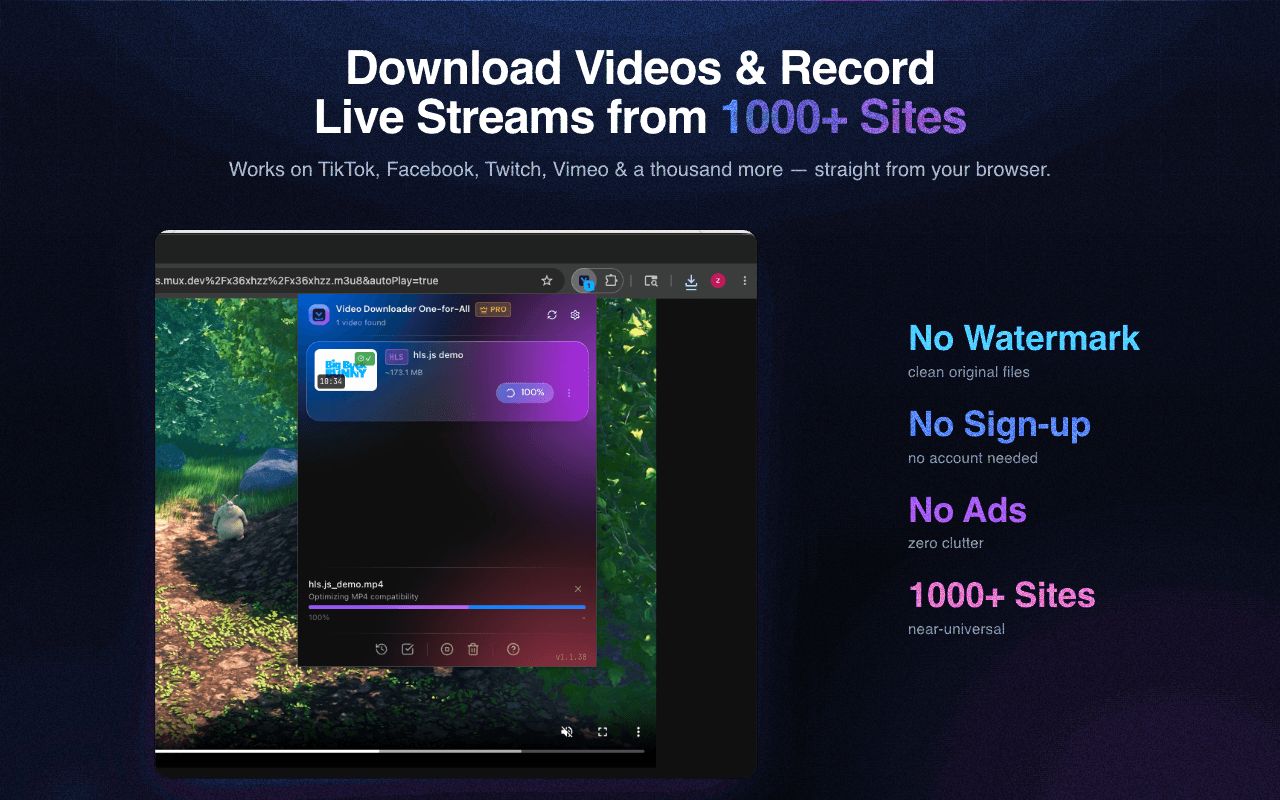
Built for simplicity and power. Download videos from virtually any website without the hassle.
Live Stream Recording
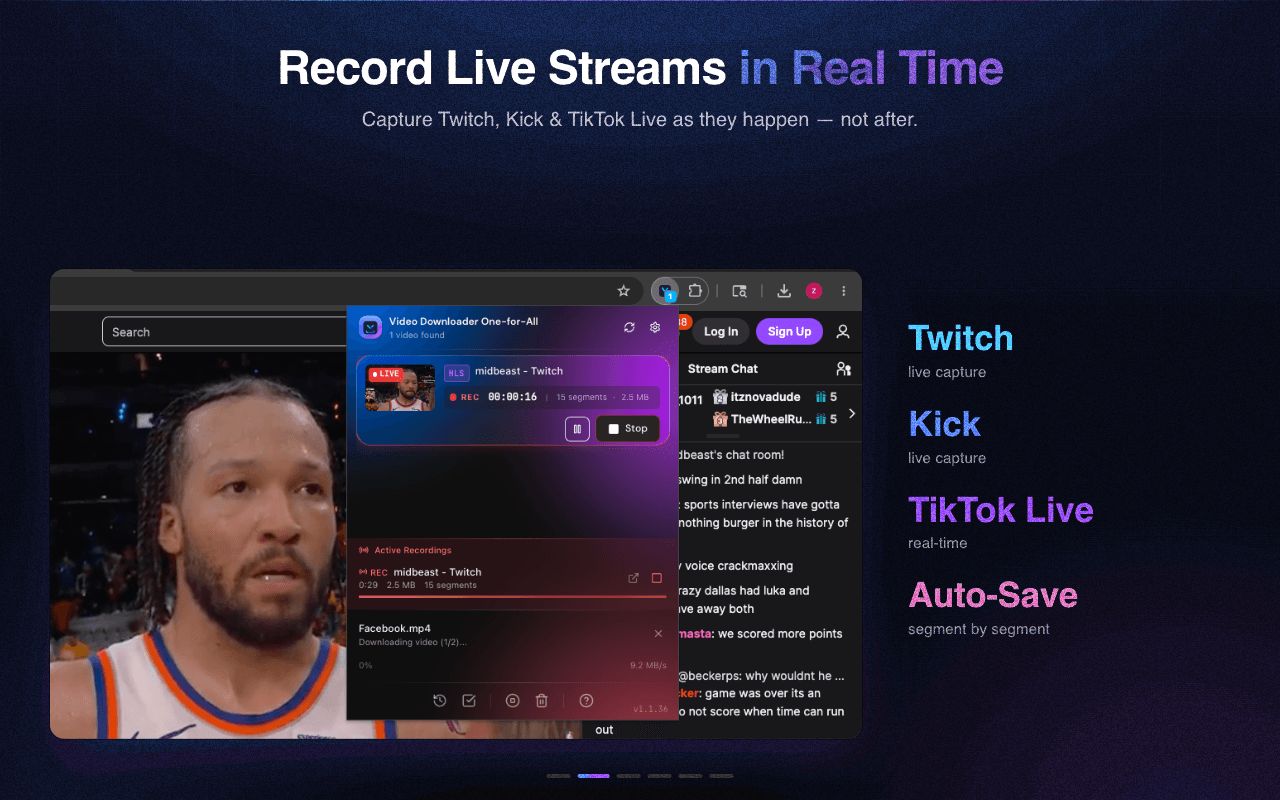
Capture live broadcasts as they happen. Record Twitch streams and any HLS/DASH live content with one click.
Universal Detection
Detects videos on live cams and on-demand (VOD) sites alike. A cloud AI engine keeps our format fingerprint library current, so new site changes keep working.
One-Click Download
No complicated steps. Just click the download button and save your video.
Clip & Trim Download
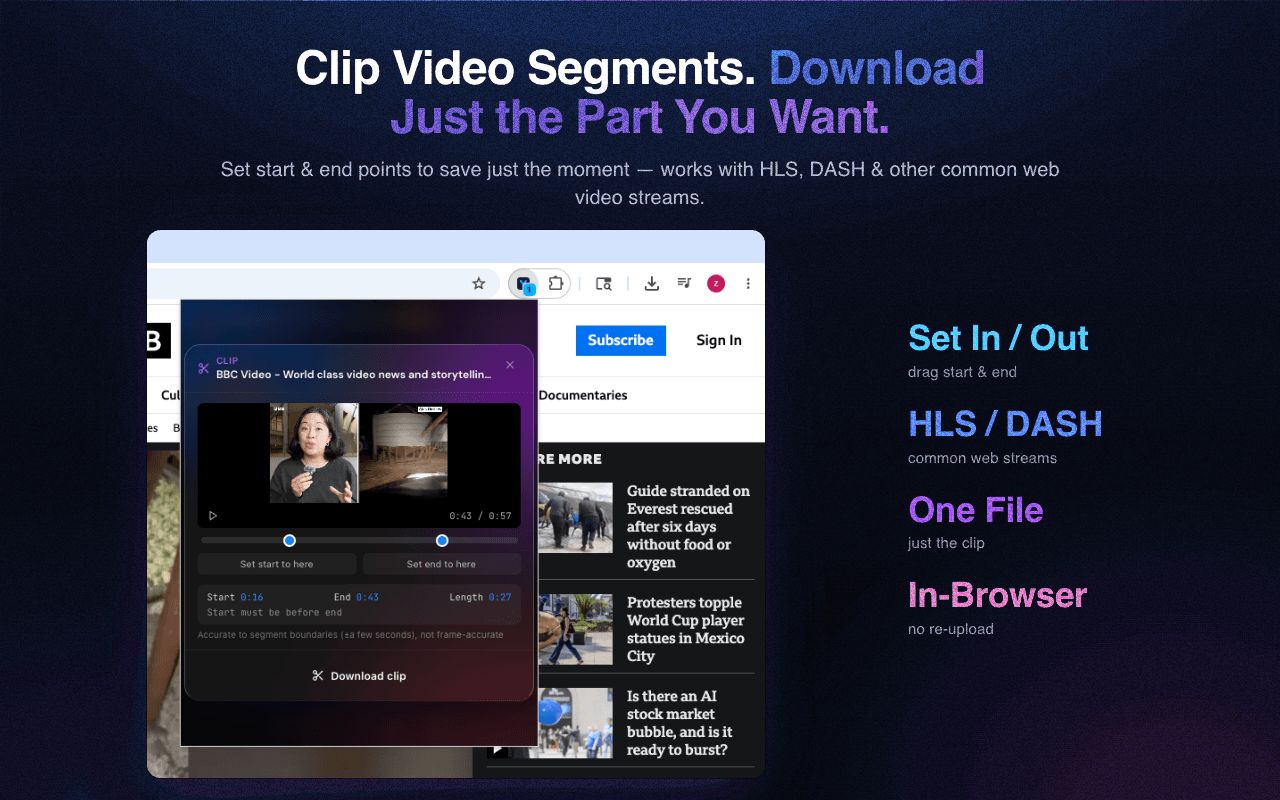
Save just the part you want. Set in and out points with a seekable preview, then download only that clip — no full file, no separate editor. Works on HLS and DASH on-demand videos.
Batch Download
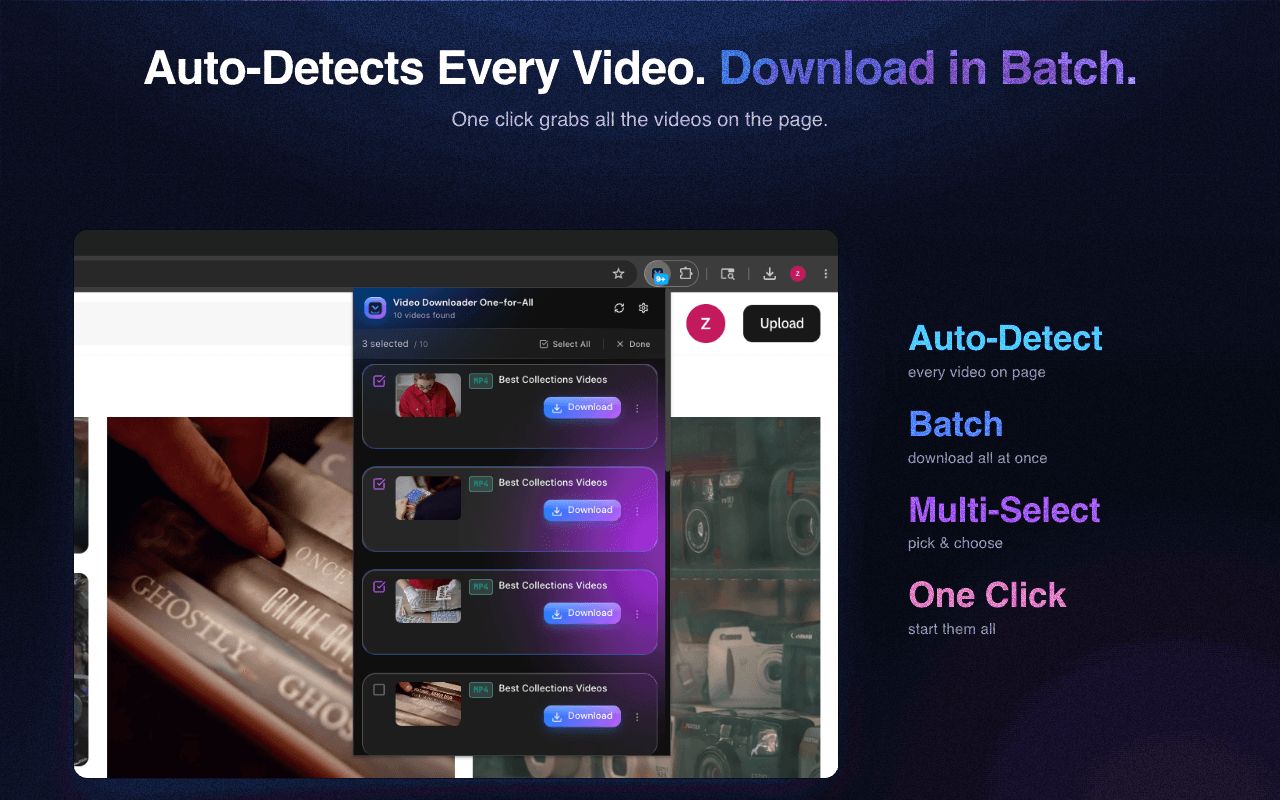
Download multiple videos simultaneously at full speed. Queue up all your favorites and let the extension handle the rest.
Smart Turbo Mode
AI-powered multi-threaded acceleration automatically adapts to each website, finding the optimal speed without triggering rate limits.
Quality Selection
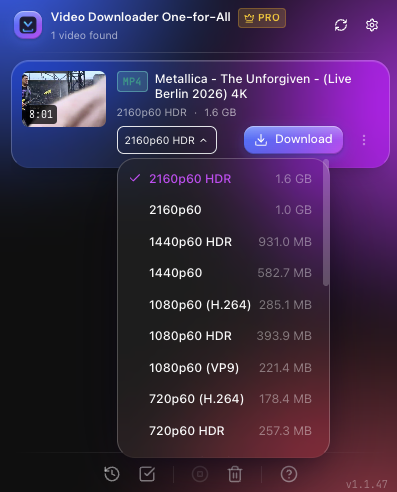
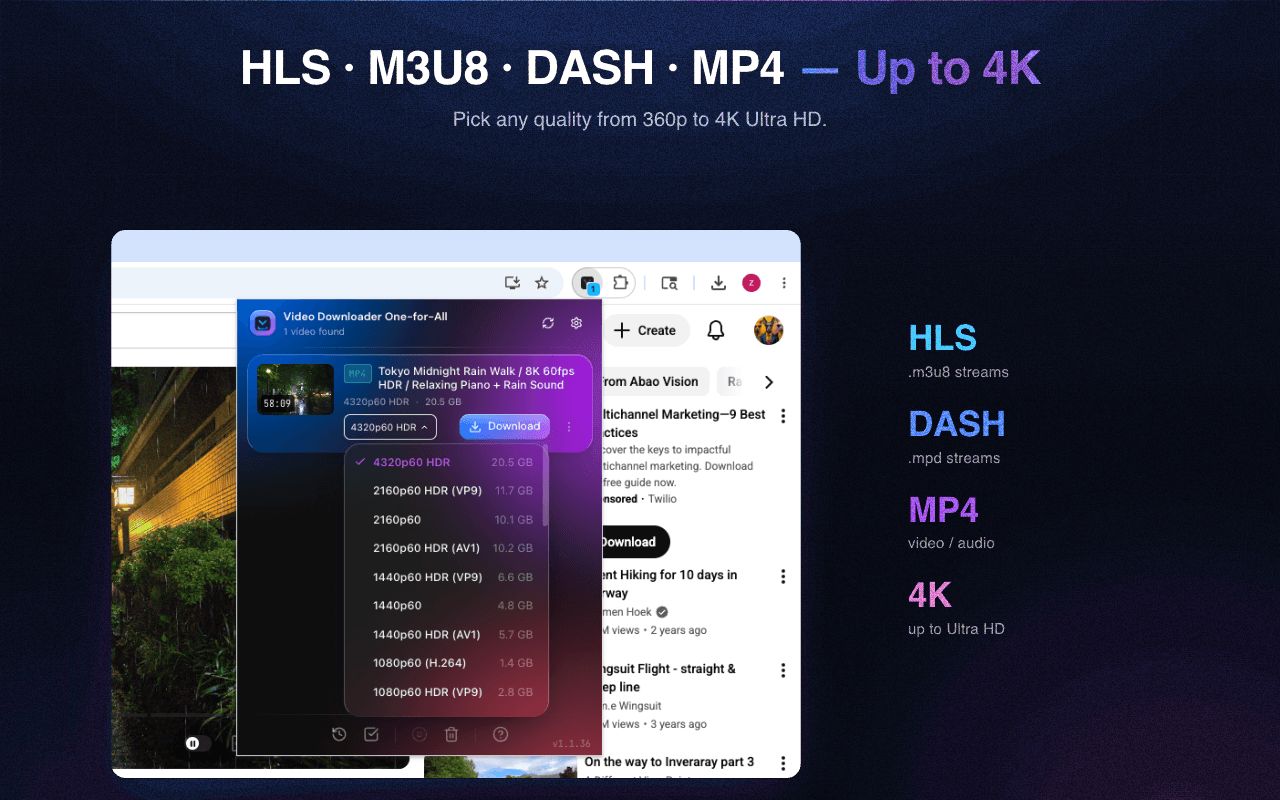
Choose your preferred quality from all available options - from 360p to 4K.
Privacy First
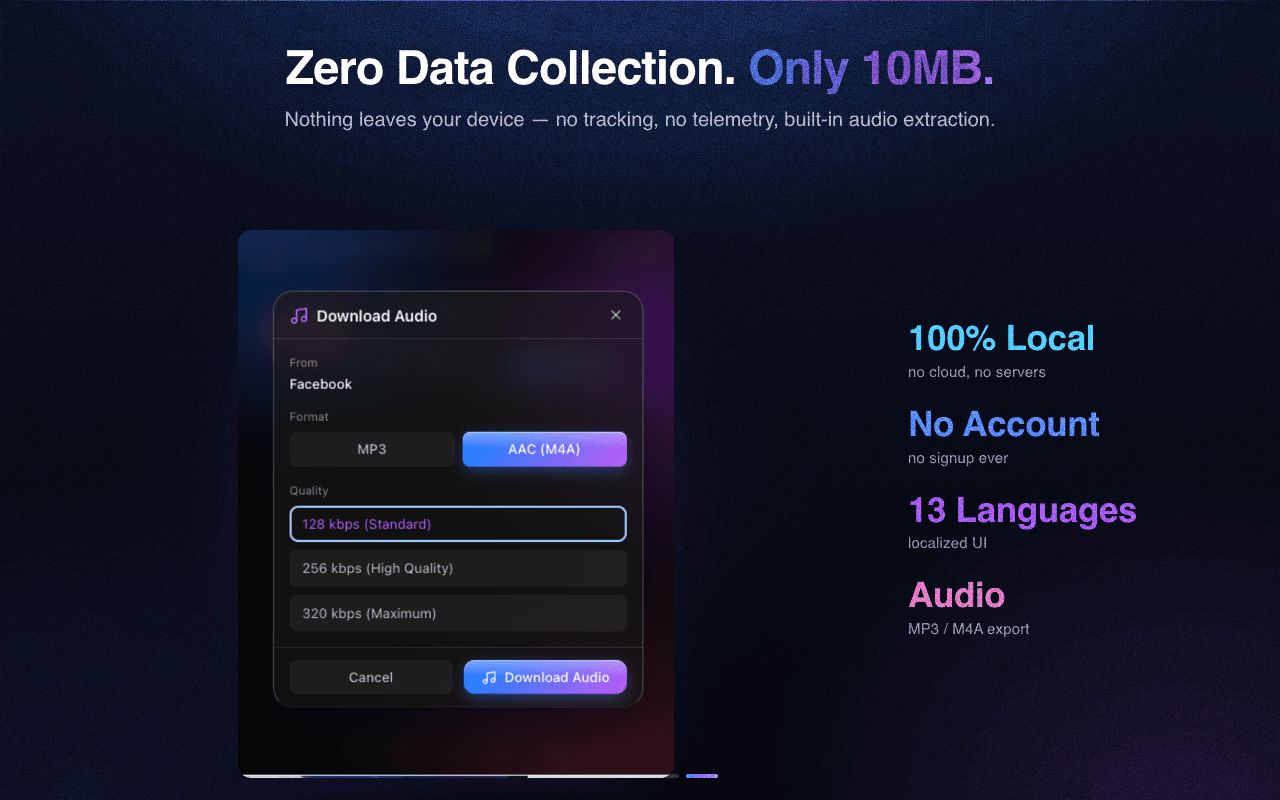
Strictly follows Chrome & Edge store policies. Our AI fingerprint library is download-only — we never collect or upload any of your data.
How It Works
Three simple steps to download any video.
Install Extension
Add Video Downloader to your browser from the Chrome Web Store.
Visit Any Video Site
Navigate to the website with the video you want to download. The extension detects videos automatically.
Click Download
Click the extension icon, select your quality, and download. It's that simple!
Works with 1000+ Websites
Download videos from all your favorite platforms
And 1000+ more websites...
Video Formats
MP4, WebM, MKV, AVI, FLV
Up to 4K/8K resolution
Audio Extraction
MP3, AAC, M4A, OGG
Up to 320kbps quality
Not affiliated with any of the platforms mentioned above.
Latest from the Blog
Tips, tutorials, and product updates
How to Download Just a Section of an HLS / m3u8 Stream (Not the Whole Thing)
Extract a specific time range from an m3u8/HLS stream instead of the full VOD — ffmpeg seeking, segment-index math, and an in-browser clip method.
How to Download Only Part of a Video (Clip a Section Before You Save)
Need just 5 minutes of a 3-hour stream? Learn to download only the clip you want — not the whole video — saving bandwidth, disk, and time.
Trim Before You Download vs Download Then Trim: Which Is Better in 2026
Trimming before download fetches only the clip you want, saving bandwidth and time — but ffmpeg and online tools have their place. The honest comparison.
Frequently Asked Questions
Everything you need to know about Video Downloader One-for-All
How do I download a video from any website?
Install the extension, visit any page with a video, click the toolbar icon, pick the quality you want, and click Download. The extension detects videos automatically — no need to copy URLs or use a separate downloader.
Is this video downloader free?
Yes. The free tier supports 3 downloads per 2-hour window with full quality selection and audio extraction. A one-time paid upgrade removes the limit and enables batch download — no subscription, no recurring fees.
Why can't I download YouTube videos on Chrome?
Chrome Web Store policy prohibits YouTube downloads in any extension — this applies to every Chrome video downloader, not just ours. For YouTube, use our Edge version (where downloads are allowed) or the open-source yt-dlp command-line tool.
What's the difference between HLS, M3U8, and MPEG-DASH?
HLS (HTTP Live Streaming) is Apple's streaming protocol; .m3u8 is the playlist file format HLS uses. MPEG-DASH is the W3C-standard equivalent. Most modern streaming sites use one of these — Video Downloader One-for-All supports all three, including multi-variant playlists and live HLS/DASH that simpler downloaders fail on.
Can I record live streams?
Yes. Open the live stream in Chrome, click the extension icon, and click Record. The recording continues until you stop it or the stream ends. Works on Twitch, Kick, Bilibili Live, TikTok Live, and any HLS/DASH/FLV-based broadcast. DRM-protected streams (Netflix, Disney+, etc.) cannot be recorded — by design.
Thanks to Our Top Contributors
A special thank-you to the users who reported the most issues and ideas that made this extension better.
-
 Amer Jelec
And everyone who sent feedback along the way.
What This Extension Cannot Do
Being upfront about the boundaries (as of 2026)
- Cannot bypass DRM protection (Netflix, Disney+, Amazon Prime, HBO Max, Apple TV+, paid Crunchyroll). DRM is designed to make capture impossible, and that's how it works.
- Cannot download YouTube videos on Chrome. This is a Chrome Web Store policy that applies to every extension. The Edge build supports YouTube where Edge's store policy allows it.
- Cannot magic up resolution beyond what the source provides. If a stream is broadcast at 720p, no downloader can produce a 4K file from it.
Last reviewed: 2026-05-26
Ready to Download Videos?
Join thousands of users who trust Video Downloader One-for-All.